Buildium is property management software covering leasing, maintenance, accounting and related operations. This journal focuses on the human decisions around those capabilities—not on imitating a portal or promising that a feature will fix a process.
THE READING INDEX
Nine ways to make the next step clearer.
Choose a point in the work: rollout, resident service, daily operations, leasing or systems. Every article starts with the practical answer, then examines the decisions behind it.
Choose categories to reveal planning questions. This is not a readiness score, authorization or compliance assessment. No property details, names, records or credentials are requested. Choices stay in this page and are not saved or sent.
Choose a decision and scope, then mark only planning questions that are actually settled.
Use the same check without JavaScript
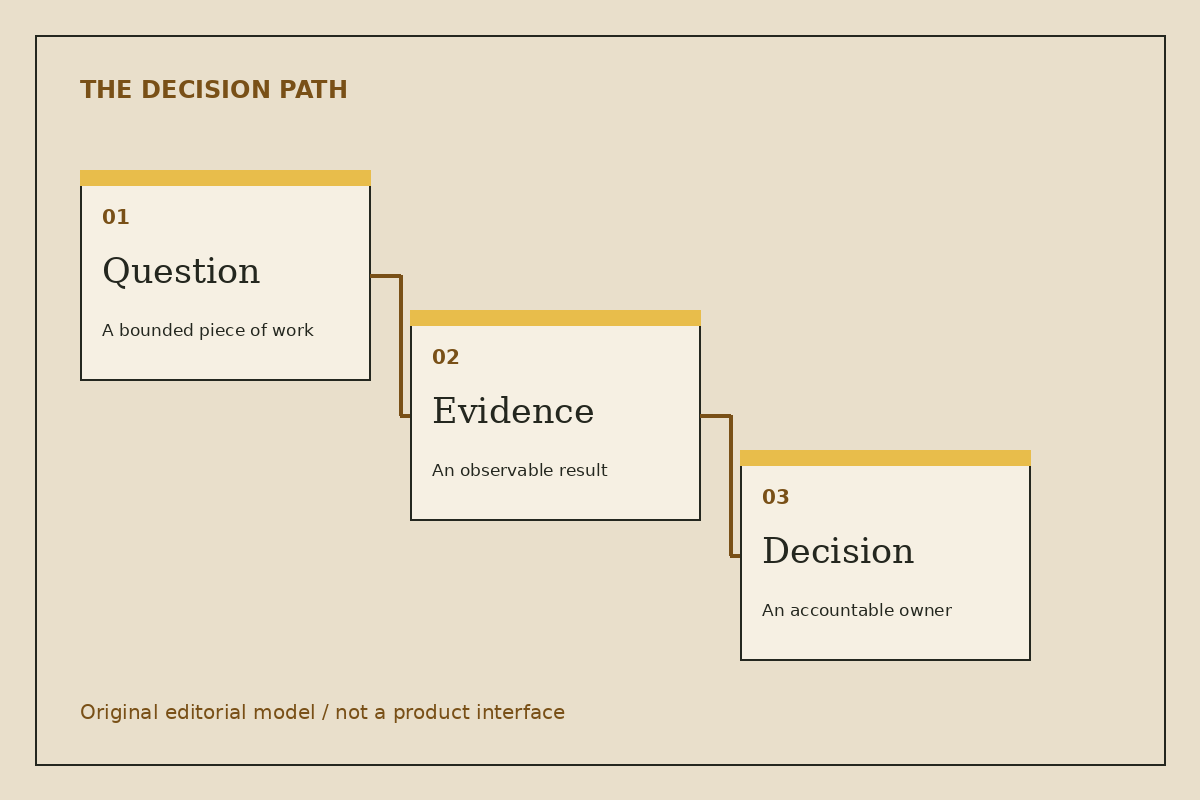
Name the decision: pilot, handoff or integration.
Identify the affected scope: internal coordination, resident service or data movement.
Name the accountable decision owner and explicit exclusions.
Define observable evidence and who will review it.
Identify an authorized pause or fallback route.
For a resident-facing pilot, confirm the receiving team and approved resident instructions before invitations. For an integration, define source authority and failure ownership. Four checked boxes do not authorize launch; the responsible team must review the actual circumstances.
Reset or reload clears the exercise. Read the pilot-selection guide for the full method. This tool does not connect to Buildium, evaluate a real property or change account settings.
KNOW THE BOUNDARY
A publication. Not your property portal.
For actual product assistance, use official Buildium resources. Do not send this publication resident information, applications, credentials or payment instructions. Our editorial method explains what the articles can—and cannot—establish.